
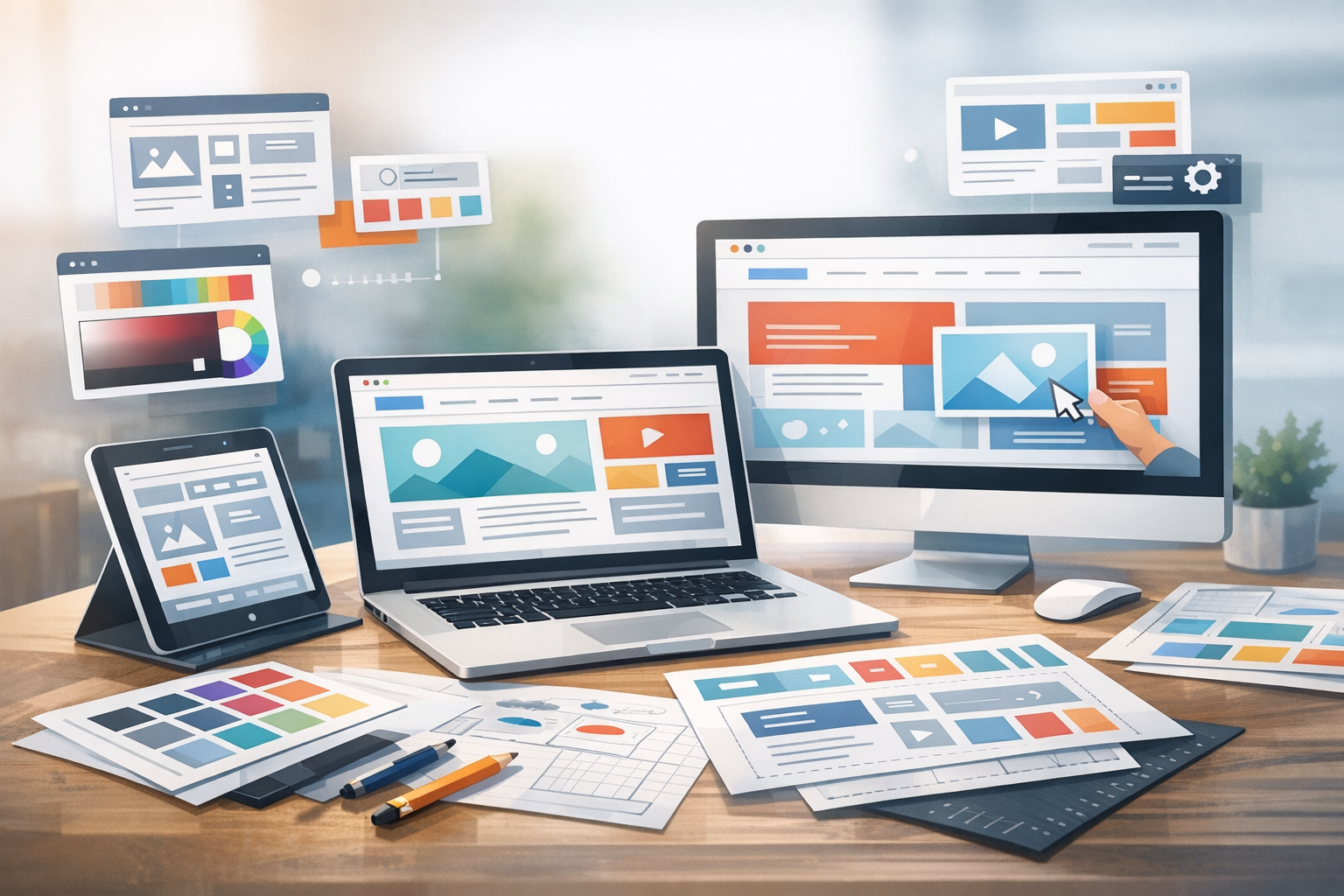
What Is Website Layout Design?
Website layout design is the way content is structured and arranged on a page—how navigation, headings, text, images, and calls-to-action (CTAs) work together to guide visitors toward a goal. A strong layout makes a site easier to scan, easier to use, and more likely to convert. It balances aesthetics with function: clarity, hierarchy, consistency, and responsiveness across devices.
Think of layout as the “blueprint” of your website. Good layout design helps people find what they need quickly, understand what you offer, and take the next step—whether that’s subscribing, purchasing, booking a call, or simply reading more.
Core Principles of Effective Website Layout Design
Visual hierarchy
Visual hierarchy controls what visitors notice first, second, and third. You create hierarchy with size, color, contrast, spacing, and positioning. For example, a prominent page headline (H1), a short supporting line, and a high-contrast CTA button immediately tell visitors where they are and what to do next.
- Prioritize one primary action per page or section.
- Use headings intentionally to break content into scannable blocks.
- Place key information above the fold (without cramming).
Grid systems and alignment
Grids bring order and consistency. Whether you use a classic 12-column grid, a CSS grid layout, or a page builder’s columns, alignment is what makes a design feel professional. When elements line up, pages look calmer and are easier to scan.
- Stick to a consistent column structure across templates.
- Align text baselines and image edges where possible.
- Avoid “almost aligned” elements—it creates visual friction.
Whitespace and spacing
Whitespace (also called negative space) is the breathing room around and between elements. It improves readability, highlights important content, and reduces cognitive load. More space can often make a design feel more premium—even with simple typography and imagery.
- Increase line height for body text to improve readability.
- Use consistent spacing scales (e.g., 8px increments).
- Separate sections clearly so users can scan quickly.
Consistency and patterns
Consistency builds trust. When navigation, buttons, typography, and spacing behave the same way across pages, visitors don’t have to re-learn your interface. Reusable patterns (like testimonial blocks, feature grids, or pricing tables) speed up design and keep everything cohesive.
- Use a defined type scale (e.g., H1, H2, H3, body) and stick to it.
- Standardize button styles (primary, secondary, tertiary) and their usage.
- Create repeatable section templates for faster page building.
Accessibility and readability
A great layout works for everyone. Accessible layout design helps users with visual, motor, or cognitive impairments—and it typically improves the experience for all visitors. Focus on contrast, legible typography, keyboard-friendly navigation, and clear focus states.
- Use sufficient color contrast for text and buttons.
- Keep paragraph widths comfortable (often 60–80 characters per line).
- Ensure interactive elements are large enough to tap on mobile.
Common Website Layout Types (and When to Use Them)
Single-column layout
A single-column layout stacks content vertically, making it ideal for mobile-first design, blogs, landing pages, and reading-heavy pages. It’s straightforward, reduces distractions, and guides users in a linear flow from headline to CTA.
Best for: blog posts, newsletters, product launches, simple landing pages.
Two-column layout
Two-column layouts typically pair a main content area with a sidebar for secondary information (e.g., related links, filters, sign-up boxes). While common on desktops, sidebars often move below the main content on mobile—so make sure your priorities still make sense when stacked.
Best for: content sites, documentation, ecommerce category pages with filters.
Grid-based layout
Grid layouts display content in cards or tiles, helping users compare multiple items quickly. They work especially well for portfolios, ecommerce products, galleries, and resource libraries. Consistent card structure (image, title, key info, CTA) keeps scanning effortless.
Best for: portfolios, product listings, directories, media-heavy pages.
F-pattern and Z-pattern layout
People often scan web pages in predictable patterns. An F-pattern is common on text-heavy pages: users scan across the top, down the left side, and across again. A Z-pattern appears on simpler pages: eyes move from top-left to top-right, then down to bottom-left and across to bottom-right.
Best for: F-pattern—articles and information pages; Z-pattern—simple landing pages with a clear CTA.
Hero-focused landing page layout
Hero-focused layouts place a strong headline, brief value proposition, and primary CTA near the top, often paired with an image, illustration, or product screenshot. The rest of the page supports that message with social proof, benefits, and objections handled in logical sections.
Best for: campaigns, SaaS sign-ups, webinars, lead generation pages.
Step-by-Step: How to Design a Website Layout
1) Define goals and user journeys
Start with clarity: what should the visitor do, and what information do they need to feel confident doing it? Map the most important journeys (e.g., “learn → compare → buy” or “explore → trust → contact”). Your layout should reduce friction at each step.
2) Plan content structure with wireframes
Wireframes help you focus on structure before visuals. Sketch sections such as navigation, hero, features, testimonials, FAQs, and footer. Keep it simple at first—your goal is to create a clear flow, not a final design.
- Start with low-fidelity boxes and labels.
- Decide what’s primary vs. secondary content.
- Validate that the page tells a coherent story.
3) Choose a grid and spacing system
Pick a grid approach that matches your tools (WordPress theme, Gutenberg blocks, or a page builder). Define consistent spacing rules early: section padding, card gaps, and vertical rhythm between headings and paragraphs. This makes every new page faster to build and easier to keep consistent.
4) Design for mobile-first responsiveness
Mobile-first doesn’t mean “mobile only”—it means starting with the smallest screen and ensuring your layout remains clear and usable as it scales up. Prioritize content, reduce clutter, and ensure buttons and form fields are easy to tap.
- Use responsive typography (with sensible minimum sizes).
- Stack columns gracefully and keep CTAs visible.
- Test real devices, not just browser resizing.
5) Add visual polish (typography, color, imagery)
Once the structure works, add your brand style. Choose readable fonts, define a simple color palette, and use imagery that supports the message. Good layout design uses visuals to clarify meaning—not just decorate.
- Limit font families (often one for headings, one for body).
- Use color to emphasize actions and highlight key information.
- Prefer consistent image styles (lighting, framing, illustration type).
6) Test, iterate, and optimize
Layout design is never truly “done.” Use analytics, heatmaps, and user feedback to see where people hesitate or drop off. Then make targeted improvements—like adjusting CTA placement, tightening copy, simplifying navigation, or improving section order.
- A/B test key pages when traffic allows.
- Check performance: heavy layouts can slow load times.
- Review accessibility and keyboard navigation regularly.
Website Layout Design Mistakes to Avoid
- Too many competing CTAs: if everything is emphasized, nothing is.
- Inconsistent spacing and alignment: small misalignments make pages feel messy.
- Text walls: break content with headings, bullets, and shorter paragraphs.
- Ignoring mobile layouts: a desktop-first design can collapse into chaos on phones.
- Low contrast and tiny type: readability issues hurt engagement and accessibility.
- Overloaded navigation: simplify menus and highlight the most important paths.
Conclusion
Website layout design is where strategy and usability meet visual design. By building on clear hierarchy, consistent grids and spacing, accessible choices, and mobile-first thinking, you can create pages that feel intuitive and convert better. Start with solid wireframes, choose a layout type that matches your content, and refine through testing—small layout improvements can make a big difference in how your site performs.