
What Is Online Review Management?
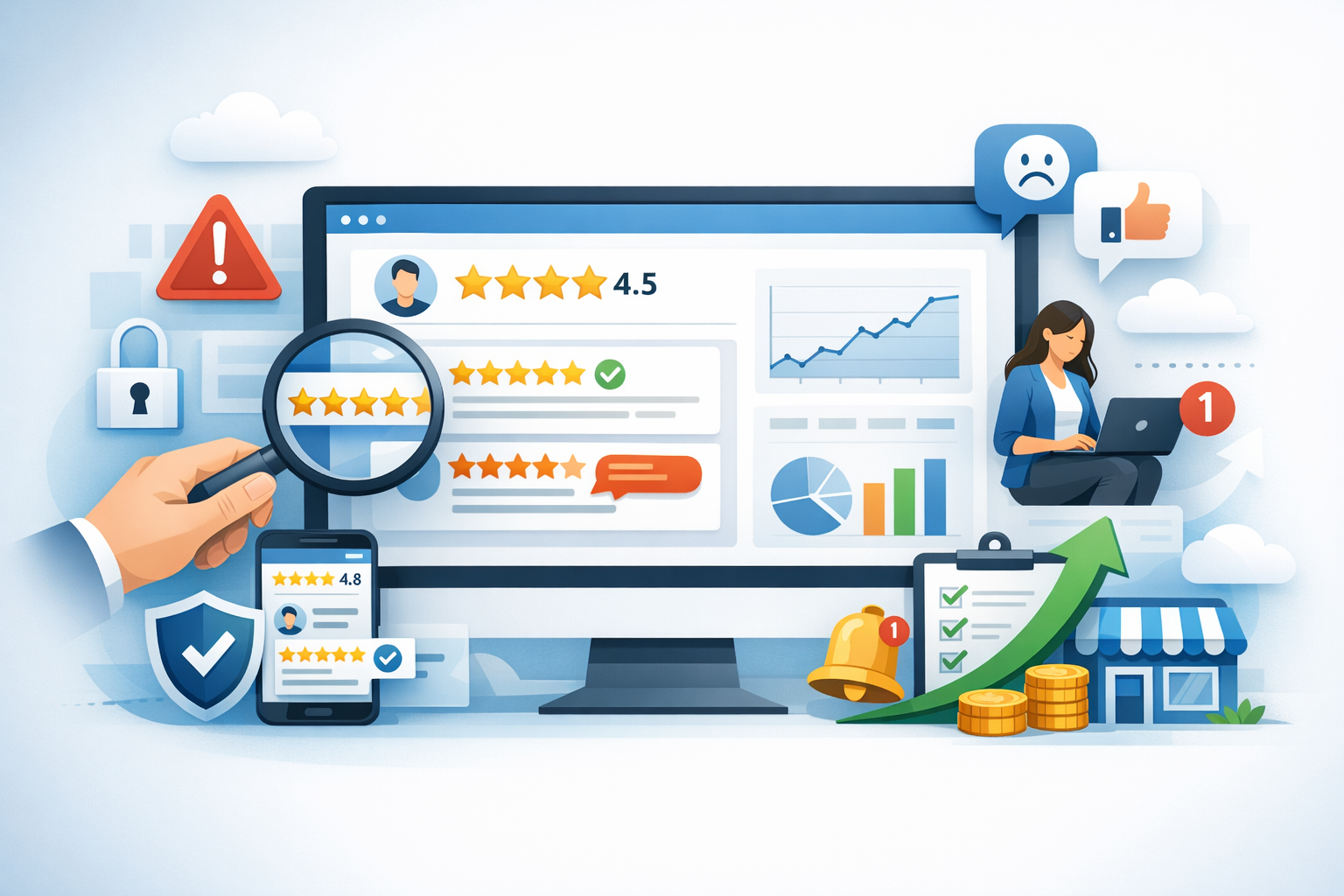
Online review management is the ongoing process of monitoring, responding to, and learning from customer reviews across platforms like Google, Yelp, Facebook, TripAdvisor, industry directories, and app stores. It includes:
- Listening: tracking reviews and mentions in one place
- Engaging: responding to feedback (positive and negative) promptly
- Improving: using insights to fix operational issues and refine the customer experience
- Growing: encouraging more authentic reviews to build trust and visibility
Because reviews influence both purchasing decisions and local search rankings, review management is not a “set it and forget it” task—it’s a core part of brand reputation and customer experience.
Why Online Reviews Matter for Your Business
Before building a review strategy, it helps to understand why reviews have such a big impact:
- They build trust quickly: Many customers treat reviews like personal recommendations.
- They influence conversions: A strong rating and thoughtful responses can reduce purchase hesitation.
- They affect local SEO: For location-based businesses, review quantity, quality, freshness, and response activity can support better visibility.
- They reveal what your business is doing well (and not): Reviews are a steady stream of customer insights you didn’t have to pay for.
- They shape your brand narrative: Whether you participate or not, customers are already telling a story about your business online.
In short, reviews don’t just reflect your reputation—they actively shape it.
Where Your Business Reviews Appear (and Why It Matters)
Online reviews aren’t confined to one platform. A complete review management approach starts by identifying where your customers are leaving feedback, then prioritizing those channels.
Major review platforms to monitor
- Google Business Profile: Often the most important for local search visibility and first impressions.
- Yelp: Popular for restaurants and local services in many markets.
- Facebook: Especially relevant if your audience engages with you socially.
- TripAdvisor: Key for hospitality, attractions, and tourism.
- Industry sites: Avvo, Healthgrades, Houzz, Angi, G2, Capterra, and more depending on your niche.
Owned channels also count
Don’t overlook reviews and feedback that appear on platforms you control or influence, such as:
- Testimonials collected via email surveys
- Product reviews on your ecommerce site
- App store reviews (for software and mobile apps)
The goal is to maintain consistency: accurate business info, consistent branding, and an active presence wherever customers are talking.
How to Build an Online Review Management Strategy
A strong strategy makes review management repeatable and scalable. The following steps create a solid foundation.
1) Claim and optimize your profiles
Start by claiming your business profiles on major review platforms. Then ensure the details are correct and complete:
- Business name, address, and phone number (NAP) consistency
- Business hours (including holiday hours)
- Categories and services
- High-quality photos
- Website and appointment/order links
This reduces customer confusion and prevents avoidable negative reviews caused by outdated information.
2) Set up monitoring and alerts
You can monitor reviews manually, but alerts are more reliable. Options include:
- Email notifications from each platform
- Google Business Profile notifications
- Third-party review management tools that consolidate reviews into one dashboard
Choose a system that fits your scale. A single-location business might do fine with platform notifications. Multi-location brands typically benefit from centralized tools and role-based access.
3) Define response guidelines (tone, timing, and escalation)
Consistency matters. Create internal guidelines that clarify:
- Response time targets: for example, within 24–48 hours
- Brand voice: friendly and professional, never defensive
- Privacy rules: never share personal data in public replies
- Escalation paths: when to involve a manager, legal, or customer support
This helps your team respond confidently and reduces the risk of replies that make a situation worse.
4) Make review requests part of the customer journey
The best time to request a review is shortly after a positive experience—when the customer is satisfied and the details are fresh. Common touchpoints include:
- After a purchase (via email or SMS)
- After a service is completed
- After a support ticket is resolved
Keep requests simple. Provide a direct link and a short message. Avoid incentives that violate platform policies, and never pressure customers. Authenticity is the goal.
How to Respond to Reviews (Examples Included)
Responding to reviews is where reputation management becomes visible. A thoughtful response shows prospective customers you care, even if the review itself isn’t perfect.
Responding to positive reviews
Positive reviews deserve more than a generic “Thanks!” A good response reinforces what the customer appreciated and subtly highlights your strengths.
Example response:
Thank you for the kind words, Jamie! We’re glad you enjoyed the quick turnaround and friendly service. We appreciate your support and look forward to helping you again.
Tips: use the reviewer’s name when available, mention a detail they shared, and keep it warm and concise.
Responding to negative reviews
Negative reviews can be uncomfortable, but they’re also an opportunity to demonstrate professionalism and problem-solving. A strong response typically includes:
- Acknowledgment and apology (without over-admitting liability)
- A brief explanation if appropriate (no excuses)
- A clear next step to resolve the issue
- A request to continue the conversation privately
Example response:
Hi Taylor—thank you for sharing this feedback. We’re sorry your experience didn’t meet expectations. We’d like to learn more and make this right. Please contact us at [email/phone] with your visit details so our manager can help.
What to avoid: arguing point-by-point, blaming the customer, or sharing personal information.
Responding to fake or unfair reviews
Not every review is genuine or accurate. If you suspect a review violates platform guidelines, you can often report it for removal. While that process plays out, respond calmly and professionally.
Example response:
Thank you for your feedback. We can’t locate a record matching this experience, but we take concerns seriously. Please reach out to [email/phone] so we can investigate and assist.
This approach signals accountability to readers without escalating conflict.
How to Get More Reviews (Ethically and Consistently)
More reviews can improve credibility and help your rating better reflect the full range of customer experiences—especially if only the most extreme opinions are currently represented.
Create a simple, repeatable process
- Train staff to ask at the right moment (after a compliment or successful outcome).
- Use short links or QR codes for in-person requests.
- Automate follow-up emails or texts after key milestones.
Make it easy for customers
Reduce friction by linking directly to the review form on your preferred platform. If you serve multiple audiences, consider offering options (for example, Google and an industry directory) while keeping the choice simple.
Stay compliant with platform rules
Most platforms prohibit review gating (only asking happy customers) and incentivized reviews. The safest long-term approach is to ask all customers consistently and let the feedback be honest.
Common Online Review Management Mistakes to Avoid
Even businesses with good intentions can damage trust if they mishandle reviews. Watch out for these common pitfalls:
- Ignoring reviews: silence can look like you don’t care.
- Responding emotionally: defensive replies tend to go viral for the wrong reasons.
- Copy-pasting the same response: it feels insincere and can frustrate customers.
- Only responding to negative reviews: engaging with positive reviews matters too.
- Trying to “hide” bad feedback: focus on resolving issues and improving service rather than manipulating perception.
- Not learning from patterns: recurring complaints are operational insights—treat them as such.
Tools and Metrics to Track Review Performance
Review management is easier when you measure it. Even basic tracking can reveal trends and help you prioritize improvements.
Useful metrics
- Average star rating: overall and by platform
- Review volume: total and new reviews per week/month
- Recency: how fresh your latest reviews are
- Response rate: percentage of reviews you respond to
- Response time: how quickly you reply
- Sentiment themes: common positives and recurring complaints
Tool options
Depending on your needs, you can use:
- Native platform tools: Google Business Profile, Yelp for Business, Facebook Page tools
- All-in-one reputation platforms: consolidate reviews, automate review requests, and provide reporting
- Help desk and CRM integrations: connect review feedback to customer support workflows
The best tool is the one your team will actually use consistently.
Conclusion
Online review management is a blend of customer service, brand communication, and operational improvement. By monitoring the right platforms, responding with empathy, and building a consistent process for earning honest feedback, you can protect your reputation and turn reviews into a sustainable growth channel. Start small—claim your profiles, set a response routine, and make it easy for happy customers to share their experience.