What Is On-Page SEO?
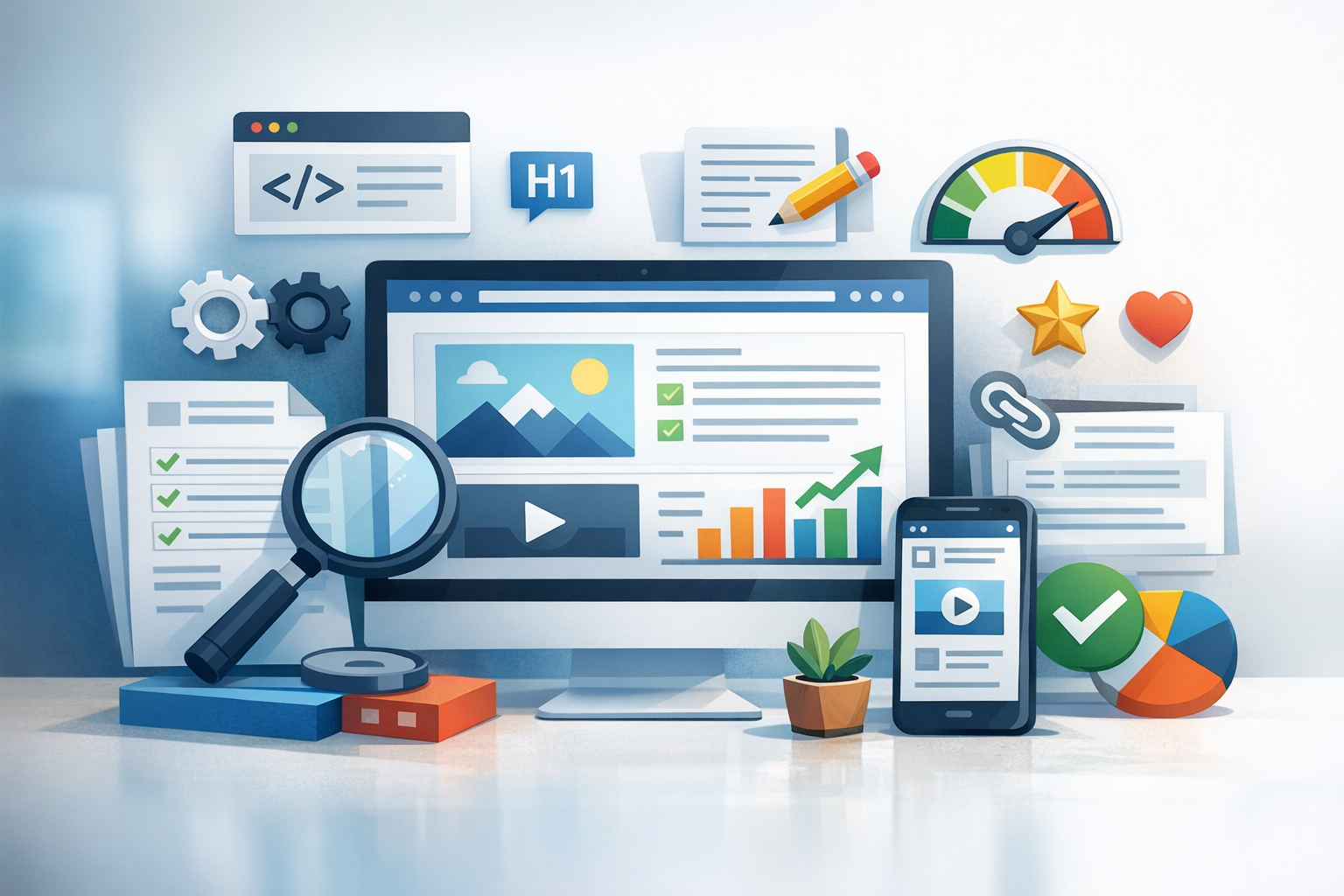
On-page SEO (also called on-site SEO) is the practice of optimizing individual web pages so they rank higher in search engines and earn more relevant traffic. It focuses on elements you control on the page, including your content, headings, internal links, URLs, and HTML signals like title tags and meta descriptions.
Unlike off-page SEO (such as backlinks), on-page SEO is about making your pages easy for search engines to understand and genuinely useful for visitors. When done well, it improves visibility, click-through rate, engagement, and conversions—all while supporting broader SEO strategies like technical SEO and content marketing.
Why On-Page SEO Matters
Search engines aim to show the best result for a user’s query. On-page SEO helps your content clearly communicate:
- Relevance: Your page matches the search intent and topic.
- Quality: The information is accurate, thorough, and helpful.
- Usability: Users can read, navigate, and interact easily (especially on mobile).
Strong on-page SEO also creates compounding benefits: as you publish more optimized pages, your internal linking gets stronger, your topical authority grows, and your site becomes easier to crawl and index.
On-Page SEO Checklist (Quick Overview)
If you want a fast snapshot, here’s a practical on-page SEO checklist you can apply to most pages:
- Target one primary keyword and a few closely related secondary terms
- Match the content format to search intent (guide, list, product page, comparison, etc.)
- Write a compelling title tag and meta description
- Use one clear H1 and logical H2/H3 subheadings
- Create helpful content with original value (examples, steps, FAQs)
- Optimize images (file names, alt text, compression)
- Add internal links to relevant pages and ensure clean anchor text
- Use descriptive, readable URLs
- Improve readability (short paragraphs, bullets, clear language)
- Make the page fast, mobile-friendly, and easy to navigate
Keyword Research and Search Intent
On-page SEO starts before you write—by understanding what people search for and why they search for it. Keyword research helps identify the language your audience uses, while search intent reveals what they actually want.
Choose a Primary Keyword and Supporting Terms
Pick one primary keyword that reflects the core topic of your page. Then collect supporting terms—close variants, related phrases, and subtopics that naturally belong in the content. This helps your page rank for more queries without “keyword stuffing.”
Tip: If two keywords have meaningfully different intent (for example, “on-page SEO checklist” vs. “on-page SEO services”), they usually deserve separate pages.
Match Content to Intent
Search intent typically falls into a few categories:
- Informational: The user wants to learn (guides, tutorials, definitions).
- Commercial investigation: The user is comparing options (best tools, reviews).
- Transactional: The user wants to buy or take action (pricing, sign-up).
- Navigational: The user is looking for a specific site or page.
Before finalizing your content, scan the top results for your target keyword. Note the format (list, guide, video), depth, and angle. Then create something that meets the same intent—while being more helpful, more current, or easier to use.
Content Optimization (What to Write and How to Structure It)
Great on-page SEO is mostly about great content. Your page should be clear, comprehensive, and organized in a way that helps readers get answers quickly.
Write for Humans First (Then Optimize)
Search engines measure user satisfaction in many ways, but the best approach is simple: write to solve the reader’s problem. Make your content:
- Specific: Add steps, examples, templates, screenshots, or tools.
- Complete: Cover key subtopics a reader expects.
- Skimmable: Use headings, bullets, and short paragraphs.
When you naturally include your primary keyword and supporting terms in the right places, the optimization happens without forcing it.
Use Clear Headings (H1, H2, H3)
Headings create structure for both readers and search engines. Best practices include:
- Use one H1 per page (typically the page title).
- Use H2s for major sections and H3s for subsections.
- Include relevant keywords where it makes sense, but keep headings natural.
A clean heading hierarchy improves readability and can help your content qualify for featured snippets when your sections answer specific questions clearly.
Optimize for Featured Snippets and “People Also Ask”
To increase the chance of winning rich results:
- Answer key questions in 1–3 concise sentences.
- Use numbered steps for processes and bullet lists for grouped items.
- Add brief definitions near the top when targeting “what is…” queries.
HTML Elements That Impact On-Page SEO
Some of the most important on-page signals live in your HTML. These elements influence how your page appears in search results and how easily search engines interpret it.
Title Tags
The title tag is often the clickable headline in search results. A strong title tag should:
- Include the primary keyword (preferably near the start)
- Set clear expectations (what the reader will get)
- Encourage clicks without being clickbait
Example format: Primary Keyword + Benefit/Angle (e.g., “On-Page SEO Checklist: 15 Fixes to Improve Rankings”)
Meta Descriptions
Meta descriptions don’t directly boost rankings, but they can strongly influence click-through rate. Write them like ad copy: highlight the value, mention the topic, and include a subtle call to action.
URL Structure
SEO-friendly URLs are short, readable, and descriptive. Aim for:
- Lowercase words separated by hyphens
- No unnecessary parameters or filler words
- A clear indication of the page topic
Good: /on-page-seo/
Less ideal: /blog/?p=123&ref=abc
Image Optimization (Alt Text and File Names)
Images improve engagement, but they can slow down your site if not optimized. For on-page SEO:
- Compress images and use modern formats (like WebP when possible)
- Use descriptive file names (e.g.,
on-page-seo-checklist.webp) - Add alt text that describes the image for accessibility and context
Alt text should be accurate and helpful. Don’t stuff keywords—describe what the image actually shows.
Internal Linking and Site Navigation
Internal links help search engines discover and understand your pages, and they guide users to related information. Done well, internal linking also distributes authority across your site.
Use Descriptive Anchor Text
Anchor text (the clickable text in a link) should describe what the user will find. Instead of “click here,” use something like “technical SEO audit checklist” if that’s the destination topic.
Link to Supporting and Related Pages
As you write, look for opportunities to link to:
- Beginner guides that provide context
- In-depth posts that expand a subtopic
- Conversion pages (services, product pages) where relevant
This improves user journeys and helps search engines understand your content clusters (topics and subtopics that fit together).
User Experience Signals That Support On-Page SEO
On-page SEO isn’t just about keywords and tags—user experience matters. If your page is difficult to use, readers won’t stay long enough to benefit from the content.
Readability and Layout
Improve readability by using:
- Short paragraphs and simple sentences
- Bullet points and numbered lists
- Clear spacing and subheadings every few sections
Make your first screen (above the fold) immediately helpful: a clear promise, quick summary, or key steps.
Page Speed and Mobile-Friendly Design
Slow pages can reduce engagement and conversions. While speed improvements often fall under technical SEO, they still directly support on-page performance. Common wins include:
- Compressing images and reducing heavy scripts
- Using caching and a CDN when appropriate
- Ensuring responsive design and readable font sizes on mobile
Reduce Friction and Improve Engagement
Keep visitors moving through your content by adding helpful elements such as:
- A table of contents for long articles
- Clear next steps (related posts, downloadable resources, contact options)
- Clean design with minimal intrusive pop-ups
Common On-Page SEO Mistakes to Avoid
Even strong content can underperform if basic issues get in the way. Watch out for these common mistakes:
- Keyword stuffing: Repeating terms unnaturally instead of writing clearly.
- Thin content: Pages that don’t fully answer the query or add value.
- Duplicate or overlapping pages: Multiple pages targeting the same intent can compete with each other.
- Weak titles: Generic title tags that don’t stand out in results.
- Poor internal linking: Orphan pages that are hard to find and crawl.
- Ignoring image and performance optimization: Slow pages and missing alt text hurt usability.
Conclusion
On-page SEO is the foundation of search visibility: it helps search engines understand your pages and helps users quickly get what they came for. Focus on search intent, create genuinely useful content, optimize key HTML elements, and strengthen internal linking. With consistent improvements across your most important pages, you’ll build a site that ranks better—and converts better—over time.